DropAir Adapter – Seamlessly Integrate Smart Thermostats with Your HVAC System
Introduction to the DropAir Adapter
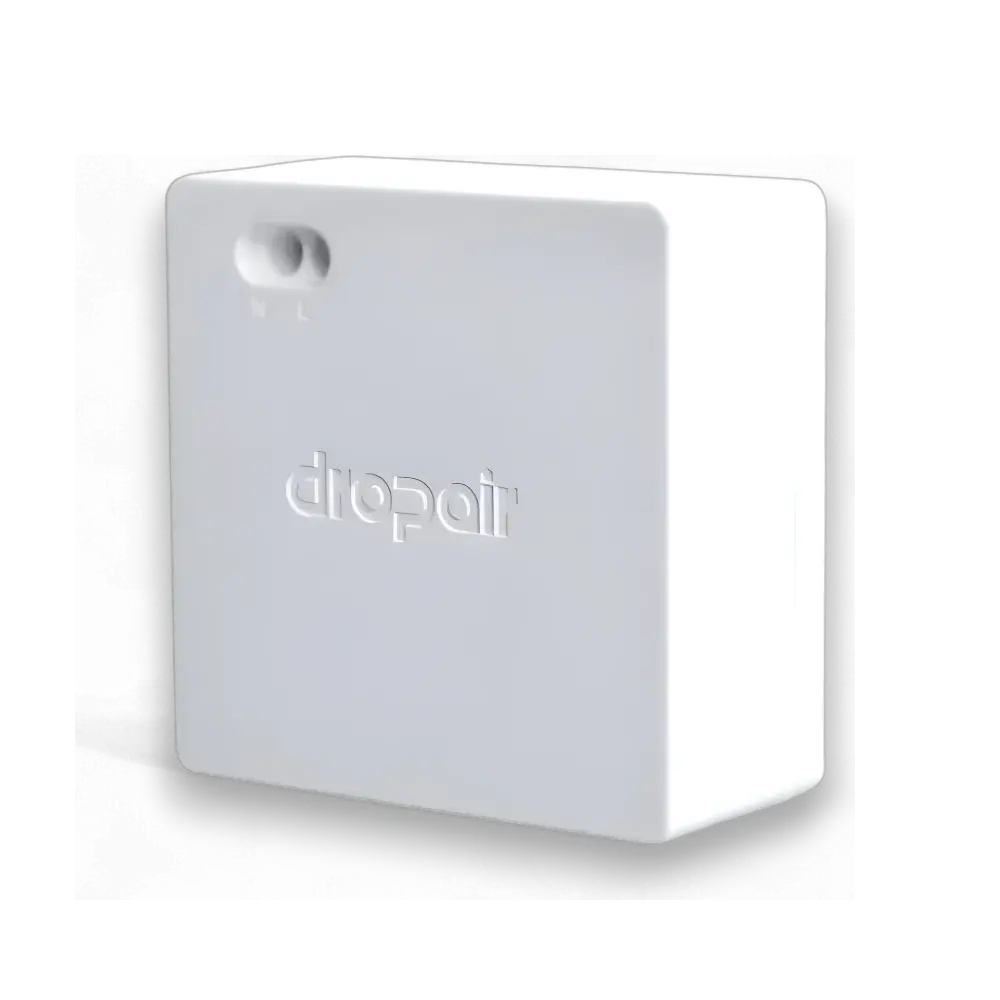
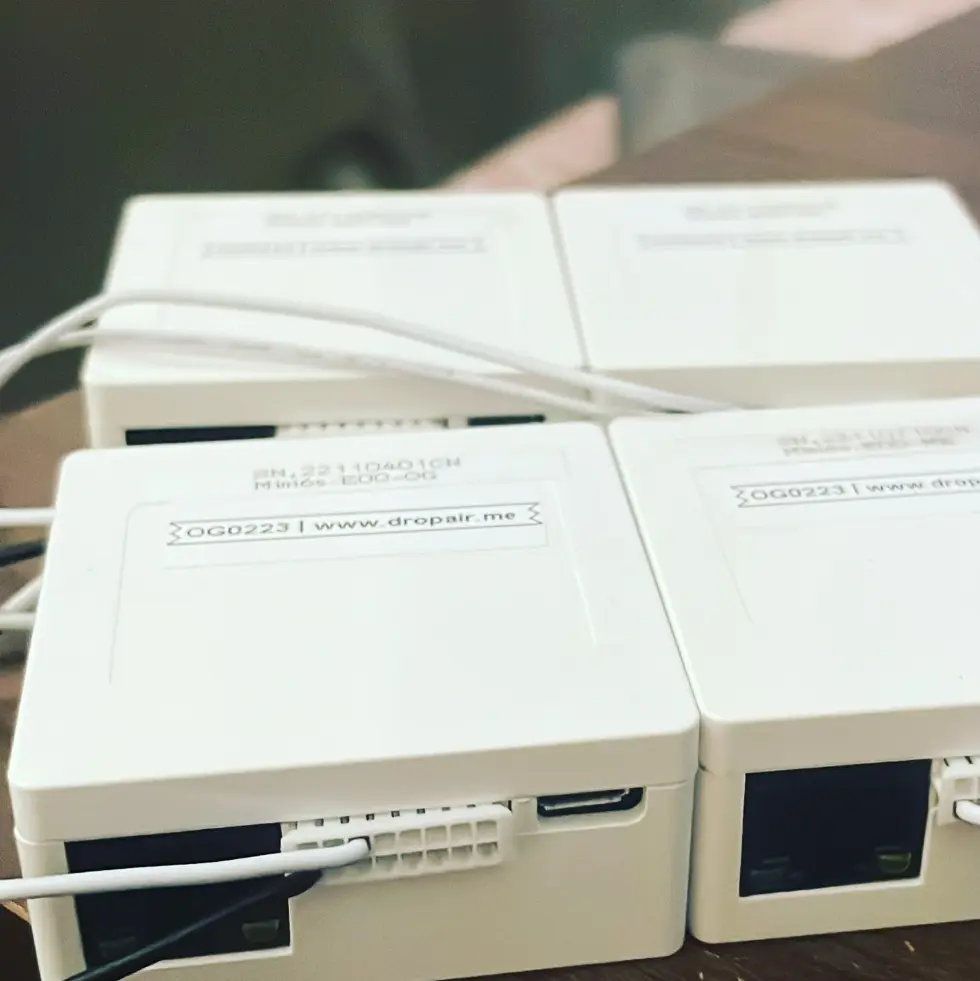
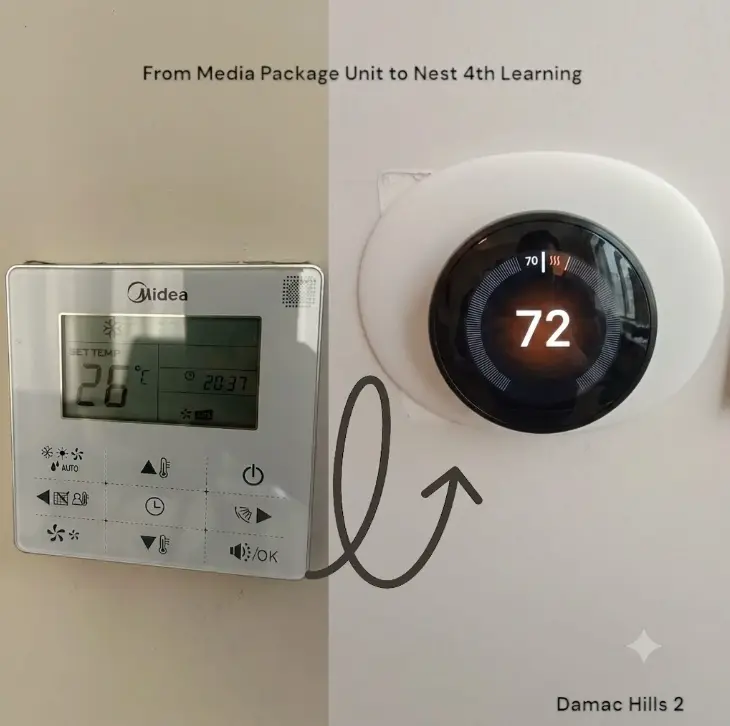
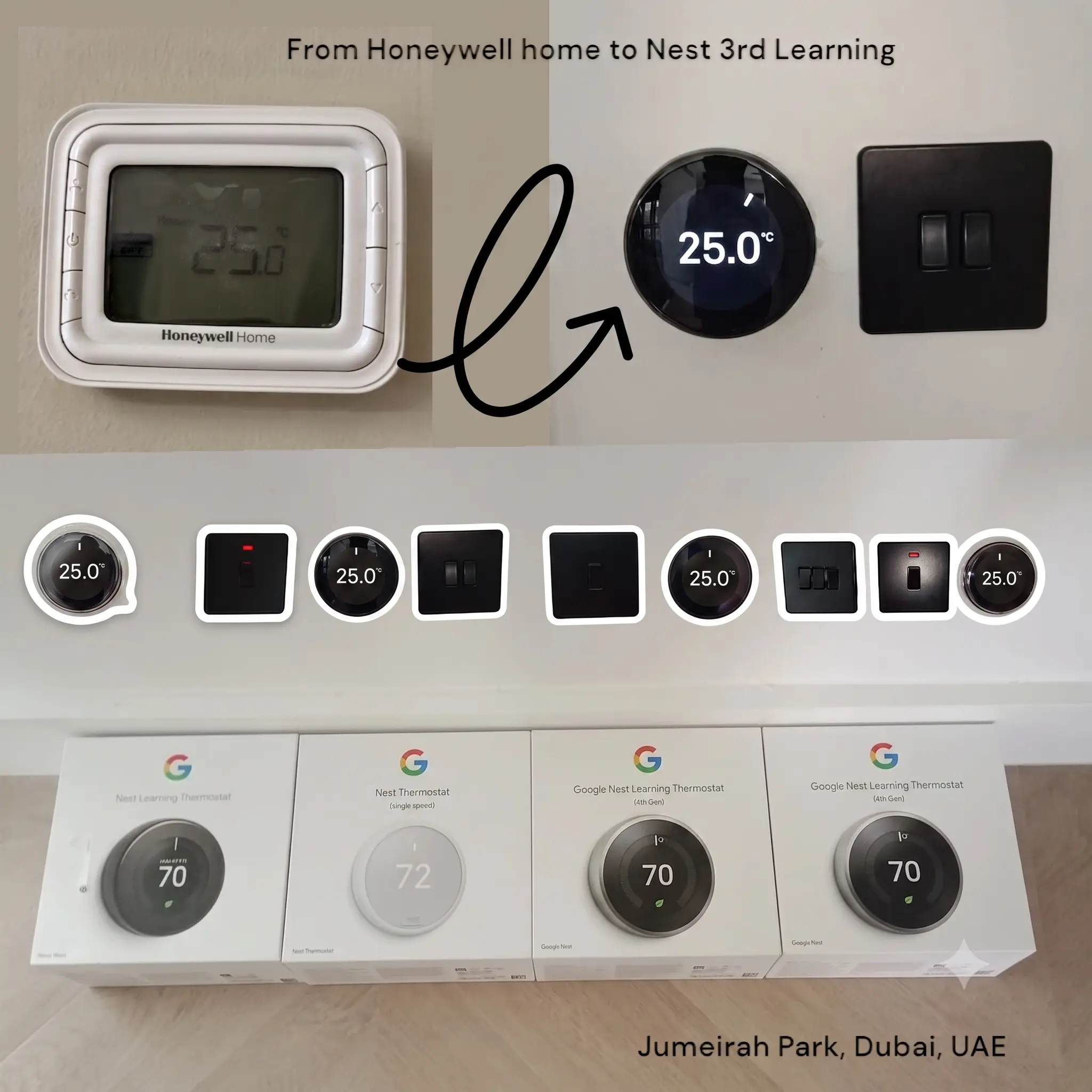
The DropAir adapter is an innovative solution designed to bridge the gap between modern smart thermostats and traditional HVAC systems. This powerful adapter allows seamless integration of smart thermostats like the Nest learning 3rd generation, Ecobee Enhanced and Ecobee Premium, Honeywell, Tuya, and other leading brands with various air conditioning units, including inverter ACs, fan coil units (FCUs), and multi-speed systems. By enabling WiFi-based control and smart home automation, the DropAir adapter helps you manage your HVAC systems more efficiently, for nest thermostat installation and ecobee thermostat installation, ensuring optimal comfort and energy savings.
How DropAir works?
The DropAir adapter offers a comprehensive solution for those looking to upgrade their existing HVAC setups to smart, energy-efficient systems. It is compatible with a wide range of HVAC equipment from top manufacturers, such as Daikin, LG, Samsung, Trane, Gree, Mitsubishi, and more. Whether you're managing climate control for a villa, apartment, or commercial building, DropAir provides the versatility needed to meet diverse requirements.
With its plug-and-play installation, built-in 24V power supply, and multi-speed fan support, the DropAir adapter delivers exceptional performance. The adapter maintains the inverter functionality of your air conditioner, allowing for precise temperature control and energy savings, making it a must-have for anyone looking to modernize their HVAC system.
Key Features of the DropAir Adapter
- High Stability and Reliability: Built for long-term performance, with software updates and upgrades available for up to 8 years.
- Plug-and-Play Installation: Quickly set up by following basic guidelines. Simply connect the cables, making it accessible for DIY enthusiasts and professionals alike.
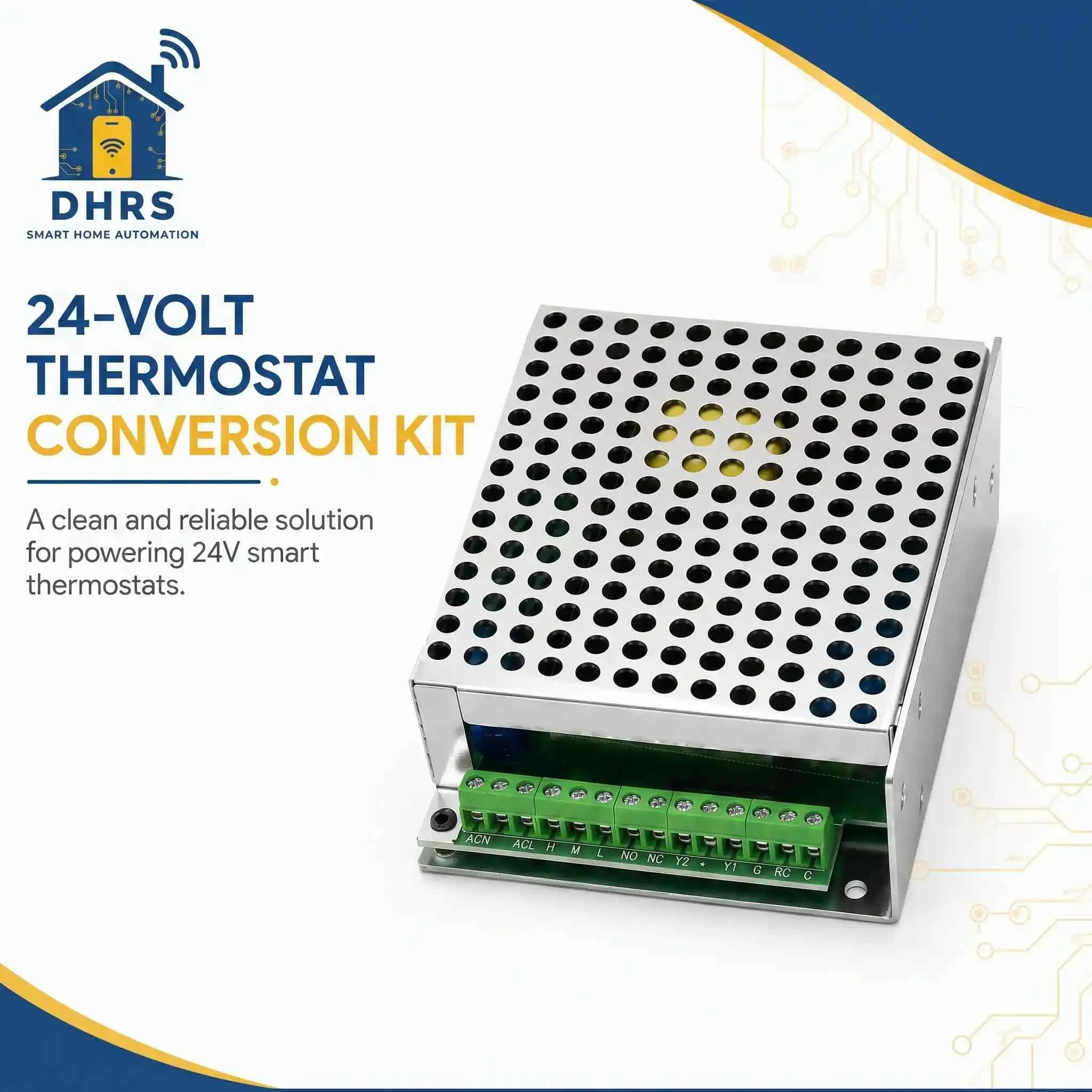
- Built-In AC24V Power Supply: Integrated 24V power supply eliminates the need for a separate transformer, simplifying installation.
- Wide Compatibility: Supports units from Daikin, Mitsubishi Electric, Toshiba, Fujitsu, York, Panasonic, Hisense, Gree, Midea, AUX, Lennox, Super General, and more.
- Multi-Speed Fan Control & Modes: Supports multi-speed fan settings and mode changes like cooling, heating, and fan-only.
- Energy Efficiency and Comfort: Maintains inverter functionality ensuring enhanced efficiency, scheduling, and geofencing via the smart thermostat.
Compatibility and Use Cases
Supported Equipment Types:
- Fan Coil Units (FCUs)
- Inverter AC Units (VRV/VRF, Ducted, and Wall-Mounted)
- 0-10V Modulation Valve Actuators
- Boilers and Heating Systems
- Ventilation Systems
Compatible Brands:
- Daikin: Suitable for split and VRV/VRF systems, with special configurations like P1 P2 connectors.
- Samsung: Supports RC-enabled split systems and different setups for non-wired remote controllers.
- LG: Works with master-slave configurations in the latest split models, supporting both wired and wireless setups.
- Trane, Panasonic, Gree, Hisense, Haier: Brand-specific wiring instructions ensure smooth integration.
Installation Guide for DropAir Adapter
Step 1: Compatibility Check
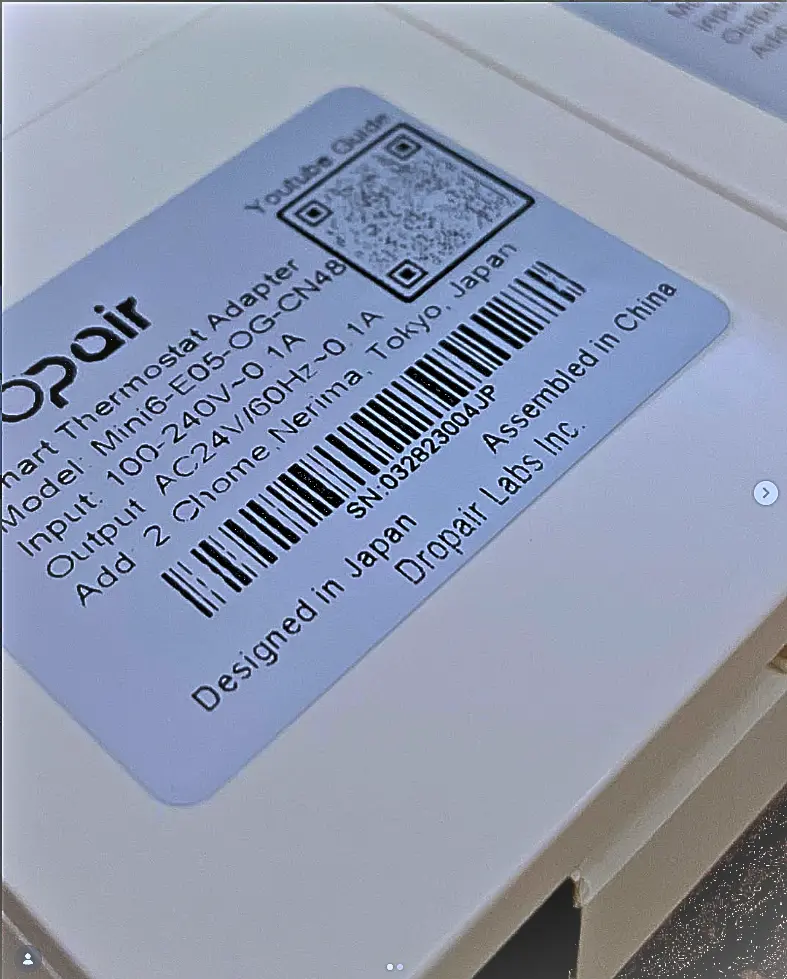
Ensure that your HVAC system and the DropAir adapter are compatible. Verify the adapter's labels against the HVAC manufacturer's requirements.
Step 2: Safety First
Turn off the power supply to the air conditioning unit at the electrical circuit panel to prevent electrical hazards. Make sure the original thermostat is also turned off.
Step 3: Connecting the Wires
Power Connection: Connect the adapter's live and neutral wires to designated ports.
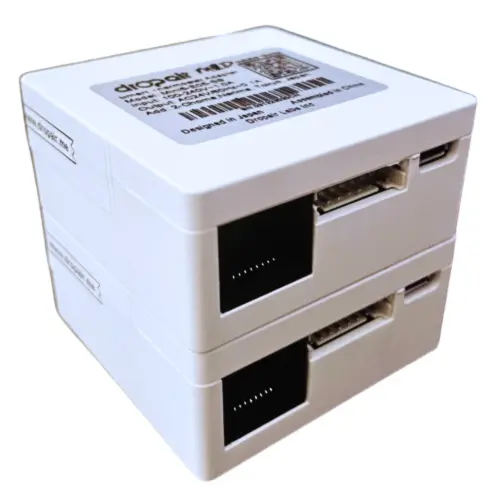
Communication Cable: Use a CAT6 cable with an RJ45 connector to establish a connection between the smart thermostat and the adapter.
Step 4: Placement Options
Hide the adapter behind or below the existing thermostat, or position it behind/beside the new smart thermostat depending on space.
Step 5: Testing and Troubleshooting
Once installation is complete, power on the system and check indicator lights:
- Red Light: Status of AC24. Static = functioning properly; Blinking = power issue.
- Green Light: Thermostat input status. Blinking = no input; Static = operational mode.
- Blue Light: In wired setups, confirms the indoor unit is functioning correctly.
Specific Product FAQs
What smart thermostats are compatible with DropAir?
The DropAir adapter supports Nest, Ecobee, Honeywell, Tuya, and many other smart thermostats.
Can DropAir control multi-speed fans and inverter ACs?
Yes, it supports multi-speed fan control, mode changes, and maintains inverter functionality for efficient temperature regulation.
Is professional installation required?
While DropAir offers plug-and-play installation, professional installation is recommended for optimal performance and brand-specific wiring requirements.