
Security Camera Installation Dubai Made Clear
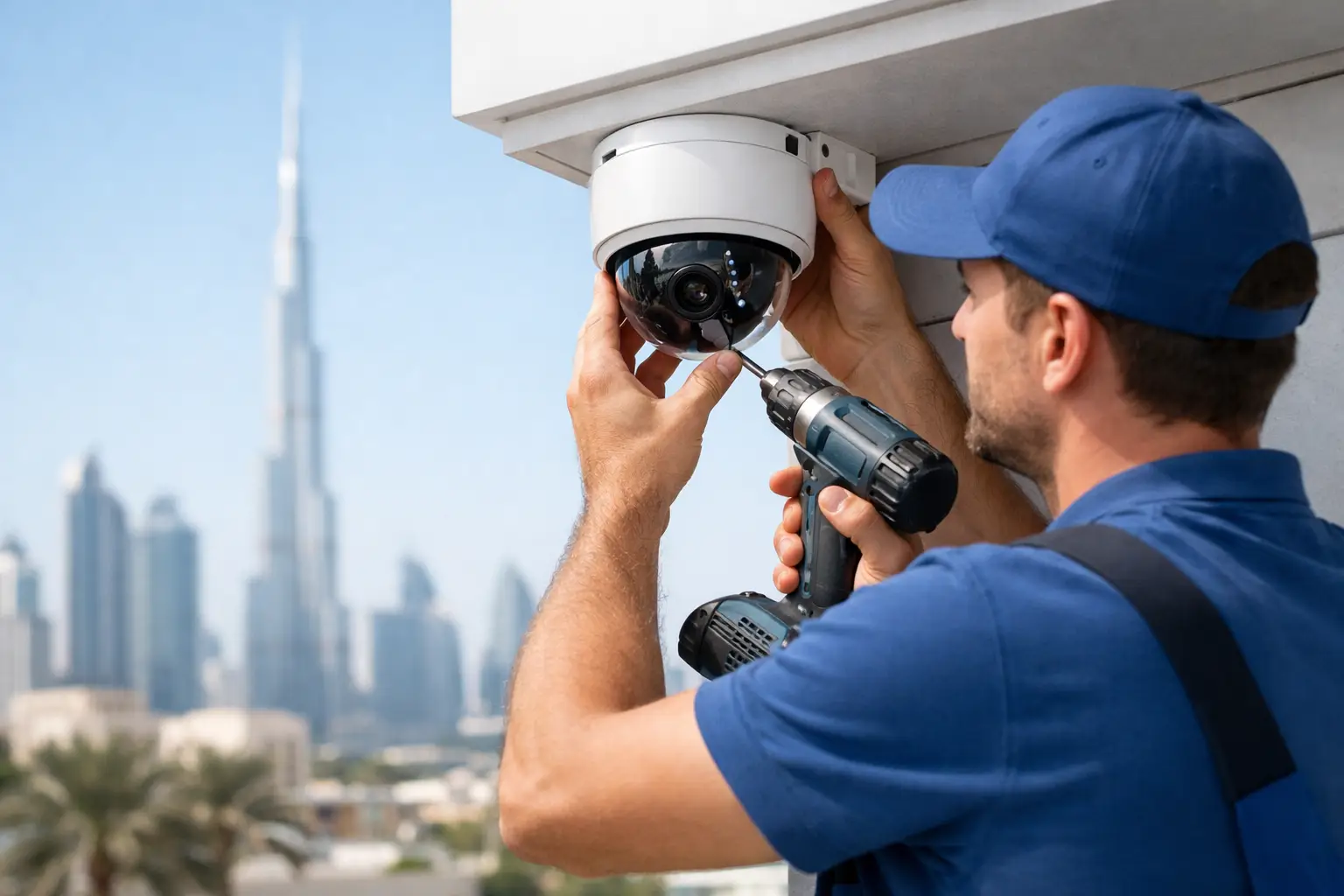
A camera above the front door is only useful if it captures a clear face, remains powered during normal use, and records footage you can actually retrieve. That is why security camera installation Dubai should start with an on-site assessment, not a box of cameras and a quick promise of full coverage. Villas, apartments, offices, retail units, and warehouses all have different blind spots, access points, privacy considerations, and wiring options.
For most property owners, the goal is simple: see who entered, know what happened, and protect the property without filling every corner with unnecessary equipment. The right system balances coverage, image quality, recording time, network reliability, and a practical budget.
Start With the Risks, Not the Camera Model
A good installation begins by identifying what needs protection. At a villa, this may include the main gate, pedestrian entrance, driveway, garden access, pool-side gate, garage, and exterior doors. In an apartment, priority areas are often the entrance door, private entry corridor where permitted, and internal access points. Offices may need coverage at reception, server or stock rooms, staff entrances, parking access, and cash-handling areas.
The camera type matters, but location matters more. A high-resolution camera positioned too high can still miss a face. A camera pointed directly toward a bright entrance can produce glare instead of a usable image. An experienced technician assesses lighting throughout the day, likely approach routes, cable pathways, Wi-Fi conditions, and the height needed to avoid tampering while retaining useful detail.
A common mistake is focusing entirely on perimeter coverage. External cameras are valuable, but a system should also document the moment someone reaches a door, gate, or restricted room. That close-range view is often the most useful footage after a delivery dispute, access issue, or security incident.
Choosing the Right Security Camera Installation in Dubai
Most residential and small commercial systems use either wired IP cameras or wireless cameras. Neither is automatically better. The right choice depends on the building, the number of cameras, recording expectations, and how dependable the connection needs to be.
Wired IP systems
Wired IP systems normally use network cable to carry both data and power through Power over Ethernet. They are often the preferred option for villas, offices, and commercial properties because each camera has a stable physical connection. They can support higher-quality video, central recording, and larger systems without placing unnecessary demand on the property Wi-Fi network.
The trade-off is installation work. Cables need to be routed neatly through ceilings, conduits, external trunking, or other suitable pathways. In a finished villa or leased office, access may be limited. Professional planning helps keep routes discreet and avoids careless drilling near electrical services, plumbing lines, or structural elements.
Wireless cameras
Wireless cameras can be a practical solution for apartments, temporary setups, or locations where cabling is difficult. They are quicker to position, but they are still dependent on a reliable Wi-Fi signal and a stable power source unless they are battery-powered. A wireless camera at the far end of a large villa, behind concrete walls, or near multiple wireless devices may disconnect at the moment it is needed.
Battery cameras are convenient for specific low-traffic areas, but they require regular charging and may not record continuously. They are best treated as a targeted solution rather than a replacement for a properly wired security system.
Video doorbells and smart access
A video doorbell is useful when the main concern is visitors, deliveries, and front-door activity. It can provide two-way communication and notifications to a phone. However, it should not be expected to cover a driveway, side gate, or rear access route. In many properties, a doorbell camera works best as one part of a wider system.
For owners using smart locks, gate motors, or home automation, cameras can be planned alongside these systems. The objective is not to add technology for its own sake. It is to create a clear and manageable entry process for family members, tenants, staff, visitors, and service providers.
Placement Decisions That Affect Footage Quality
Camera placement should answer specific questions. Can the system identify a person at the main entrance? Can it show a vehicle entering the driveway? Can it record access to a stock room or office? Broad, attractive views of a garden or lobby can be helpful, but they do not always provide evidence-level detail.
Avoid placing a camera directly behind glass when it uses infrared night vision. The infrared light can reflect off the glass and create a washed-out image after dark. Outdoor-rated cameras should be used outdoors, with secure mounts and weather-appropriate connections. Dubai heat, dust, and direct sun exposure can affect equipment performance, especially when low-quality products are installed without proper protection.
Night coverage also deserves careful attention. Infrared works well in darkness, but a camera facing bright decorative lighting, vehicle headlights, or strong sunset glare may need adjustment. Sometimes an additional light or a change in camera angle produces better results than buying a more expensive camera.
Do not overlook the recorder location. A network video recorder should be installed in a secure, ventilated location with organized cabling and appropriate power protection. Leaving it openly accessible means an intruder may be able to remove the footage source. For higher-risk sites, protected storage and remote backup may be worth considering.
Storage, Remote Viewing, and Internet Reliability
Recording resolution and storage capacity must be planned together. Higher resolution gives more detail, but it consumes more storage. Continuous recording retains more activity but fills a hard drive faster. Motion recording can extend retention time, although poorly configured motion settings may trigger recordings from shadows, trees, pets, or passing traffic.
Before installation, decide how long footage should be kept. A small home system may need a shorter retention period than an office, retail space, or property managed by a landlord. The answer depends on the number of cameras, recording mode, image quality, and the reason for installing the system.
Remote viewing is convenient, but it relies on the internet connection and correct configuration. The cameras can still record locally when the internet is down if the recorder and cameras have power, but live viewing on a phone will not be available until the connection returns. A professional setup should include secure account access, strong passwords, appropriate user permissions, and a clear explanation of how the owner can view and export footage.
Approvals and Privacy Need Attention
Before installing cameras in an apartment building, townhouse community, office tower, or leased commercial unit, check the applicable building management, landlord, and community requirements. Rules can affect camera locations, drilling, visible external equipment, and views toward shared corridors or common areas.
Privacy should guide the design. Cameras should protect your entrance, parking area, office, or private premises without unnecessarily pointing into a neighbor's home, balcony, or other private space. In workplaces, staff should understand where cameras are installed and why. A transparent approach prevents avoidable disputes and helps the system remain focused on genuine security needs.
What Professional Installation Should Include
The lowest installation quote is not always the lowest total cost. A system may appear inexpensive because it excludes hard drives, cable runs, mounting materials, configuration, remote access setup, or after-installation support. Ask for clarity on the number and type of cameras, recording equipment, storage capacity, cabling method, power requirements, and any civil work needed.
A professional technician should test each camera during the visit, check day and night views, confirm recording playback, set up authorized phone access, and show you how to use the system. The work should be neat, with secured cables and camera angles that serve a defined purpose rather than simply covering the largest possible area.
Since 2005, DHRS Dubai has approached property systems with the same principle: diagnose the requirement first, explain the practical options, and recommend equipment only where it is genuinely needed. This is especially useful for owners who want cameras integrated with smart locks, gate access, Wi-Fi improvements, electrical work, or broader property maintenance.
Maintain the System After Installation
Security cameras are not a fit-and-forget installation. Dust can build up on lenses, outdoor mounts can shift, hard drives can develop faults, and app permissions can become outdated when phones or tenants change. A brief check every few months can prevent the frustrating discovery that a camera was offline during an important event.
Clean lenses carefully, confirm the timestamp is correct, test remote viewing, review a sample of nighttime footage, and make sure the recorder is still retaining video for the intended period. If a camera image becomes blurry, records only intermittently, or loses connection, the root cause may be the lens, power supply, cable, hard drive, router, or camera itself. Proper fault finding avoids replacing equipment that is still serviceable.
The best camera system is the one that is planned around how your property is actually used. Clear coverage at the right locations, dependable recording, respectful privacy boundaries, and regular checks will provide far more value than a larger system installed without a clear purpose.
Need Home Maintenance in Dubai?
Contact the experts at DHRS Dubai for fast, reliable service.
Get a Quote