
CCTV Systems for Dubai Homes and Businesses
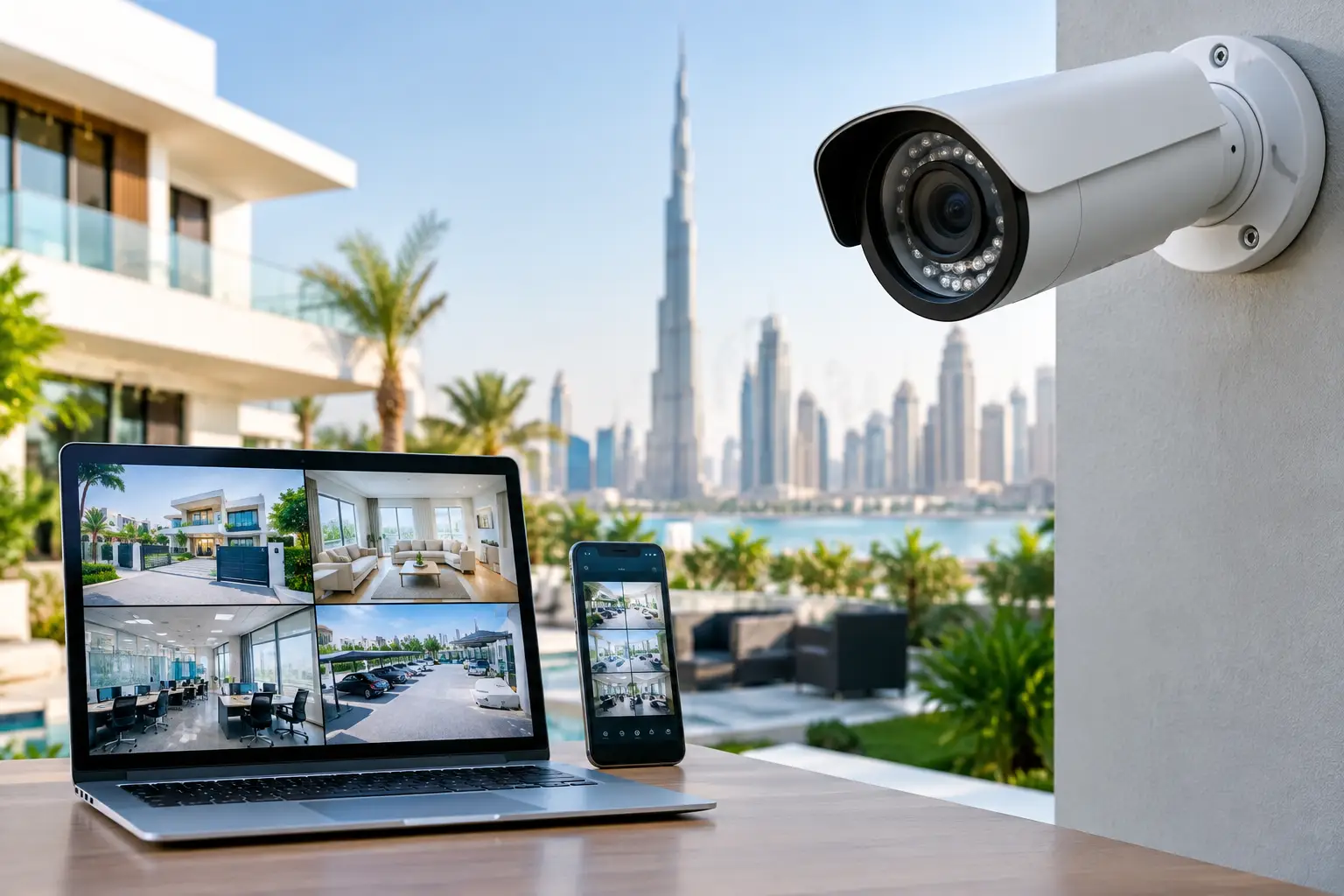
A camera that records a blurred face, misses the entrance, or stops saving footage during an incident offers false reassurance. Well-planned CCTV systems do more than place cameras around a property. They provide usable evidence, help residents and staff respond quickly, and give owners a clearer view of what is happening at key access points.
For Dubai villas, apartments, offices, retail units, and shared commercial spaces, the right system depends on the layout, lighting, network reliability, privacy requirements, and the reason for monitoring. A practical installation starts with these details, not with the most expensive camera on the shelf.
Start With the Risk You Need to Manage
Most properties do not need cameras covering every wall. They need clear coverage of the places where an event is most likely to occur or where a record would be most valuable. For a villa, this may include the main gate, driveway, front door, side access, garden entry, and parking area. In an apartment, the focus is usually the entrance door and any private permitted areas, while common corridors and building facilities are typically managed by the building operator.
Businesses often need a different approach. An office may prioritize reception, entrances, server rooms, stock areas, and delivery points. A shop may need views of customer entrances, payment counters, display areas, and rear access. Camera placement should support a specific operational purpose, such as verifying deliveries or reviewing an access concern, rather than simply collecting hours of video.
Before installation, walk through the property at the times conditions are most difficult. A bright driveway can become very dark at night. A lobby camera may face strong sunlight through glass in the afternoon. An installer should assess these conditions and explain where an image may be affected by glare, reflections, shadows, or poor infrared performance.
Choosing CCTV Systems That Produce Useful Footage
Image resolution matters, but it is not the only specification that affects results. A high-resolution camera with the wrong lens angle can still fail to capture a recognizable face. A wide-angle camera is useful for viewing an overall area, while a narrower field of view may be required at a gate, door, or vehicle entrance where identification is the priority.
Camera types and where they work best
Dome cameras are commonly selected for indoor areas, covered entrances, and reception spaces because they are compact and less visually intrusive. Bullet cameras are often suitable for external walls and perimeter views, where their shape makes the direction of coverage more obvious. Turret cameras can be a good option for clear night images and easier adjustment, depending on the model and location.
Pan-tilt-zoom cameras can cover large outdoor compounds, warehouses, or open parking areas, but they are not automatically better. When a PTZ camera is pointing in one direction, it is not recording another. Fixed cameras placed at important entry points often provide more dependable evidence. The best solution may combine a few fixed cameras with a PTZ unit where active monitoring is genuinely needed.
Wired versus wireless cameras
Wired IP cameras, particularly systems using Power over Ethernet, are usually the preferred choice for permanent villa and commercial installations. One cable can provide power and data, connections are generally more stable, and camera footage can continue recording locally even if internet service drops.
Wireless cameras are useful where cable routing is difficult, for temporary requirements, or in smaller locations. However, they depend on reliable Wi-Fi coverage and adequate signal strength at every camera location. Thick walls, outdoor distances, network congestion, and power interruptions can affect performance. Battery cameras also require a realistic plan for charging and checking device health.
The right choice depends on the property. A wireless solution may be suitable for one indoor entry camera, while a multi-camera villa or office typically benefits from a properly cabled system.
Recording, Storage, and Remote Viewing
Footage is only valuable if it is still available when needed. The recorder and storage plan should be sized for the number of cameras, image quality, recording schedule, and desired retention period. Continuous recording uses more storage than motion-based recording, but motion settings must be carefully configured. If detection sensitivity is too low, an important event may not be saved. If it is too high, the system may record constantly because of trees, traffic, pets, or changing light.
A network video recorder is often the central point for a wired IP camera system. It stores footage on surveillance-grade hard drives designed for regular recording. Cloud storage can add convenience and off-site backup, but it may involve ongoing fees, bandwidth limits, or reduced recording quality. In many cases, local recording with secure remote viewing is a sensible balance.
Remote access should be set up carefully. Use strong, unique passwords, enable two-factor authentication where available, and remove access for former tenants, employees, or contractors when their role ends. A camera system connected to the internet is part of the property’s security infrastructure, so the recorder, router, and mobile app should not be treated as an afterthought.
Privacy, Building Rules, and Responsible Placement
Security cameras should protect your property without creating unnecessary privacy concerns. Cameras should not point into neighbors’ homes, private gardens, bathrooms, changing areas, or other locations where people reasonably expect privacy. Audio recording deserves additional caution, as it can raise different privacy issues from video monitoring.
For apartments, leased premises, offices, and managed communities, check the building management, landlord, and community rules before installation. External camera positions, façade drilling, common-area coverage, and cable routes may require approval. Commercial properties may also need clear notice that surveillance is in operation, depending on the setting and applicable requirements.
A professional installer should discuss these practical limits before work begins. The aim is not to make a camera installation complicated. It is to avoid relocating equipment later because it was installed without the necessary permission or without considering the people and spaces around it.
Installation Details That Affect Reliability
Good CCTV performance is often decided by small installation details. Outdoor cameras need suitable weather protection, secure mounting, properly sealed cable entry points, and a position that reduces exposure to direct sun where possible. Cameras mounted too high may provide a broad view but poor facial detail. Cameras mounted too low can be tampered with or blocked.
Cable work also matters. Loose exterior cables, unprotected joints, poorly placed power supplies, and exposed connectors can cause intermittent failures that are difficult to diagnose later. In villas and offices, technicians should plan routes that keep wiring neat, safe, and accessible for future servicing.
During commissioning, each camera should be tested in daylight and at night. Confirm that the date and time are correct, recordings can be played back, mobile alerts reach the right user, and important areas are not blocked by gates, landscaping, parked vehicles, or furniture. This is also the time to show the owner how to find footage rather than leaving them with an app they have never used.
When Your CCTV System Needs Maintenance
Cameras are exposed to dust, heat, humidity, insects, and occasional power or network interruptions. In Dubai, an outdoor camera lens can collect dust quickly enough to reduce image clarity, particularly around driveways, gates, and construction-adjacent areas. A simple visual check every few months can prevent an unwelcome surprise when footage is needed.
Common issues include a camera showing a black screen, intermittent offline alerts, poor night images, storage warnings, incorrect timestamps, and motion notifications that trigger too often. The root cause may be a damaged cable, failing power supply, weak Wi-Fi signal, recorder setting, full or faulty hard drive, or a camera that needs repositioning.
Avoid assuming the camera itself must be replaced. Honest diagnostics should identify whether the fault is in the device, cabling, network, recorder, or configuration. Replacement is appropriate when equipment is no longer reliable or cannot meet the required image quality, but many issues can be corrected through repair, adjustment, cleaning, or settings changes.
A Practical Plan for Homes and Commercial Properties
A reliable setup begins with an on-site assessment, a coverage plan, and a clear explanation of the equipment proposed. Ask what each camera is intended to capture, how long recordings will be retained, whether internet failure affects recording, and what ongoing maintenance the system will need. You should also be informed upfront about cabling work, materials, access requirements, and any limitations created by the property layout.
For a new villa, it is often worth considering CCTV cabling alongside smart locks, intercoms, gate access, and home automation work. For an occupied apartment or established office, a carefully designed upgrade can improve coverage without unnecessary disruption. Since 2005, DHRS Dubai has approached property systems with the same practical standard: inspect the site, identify the root cause or requirement, and recommend work that fits the property rather than a generic package.
The best CCTV system is one you can trust when something happens. Clear images, dependable recording, responsible placement, and a system you know how to use will matter far more than a long list of features you never need.
Need Home Maintenance in Dubai?
Contact the experts at DHRS Dubai for fast, reliable service.
Get a Quote